AFTER EFFECTS PLUGIN
ENHANCE PASS
Bring fine detail back to your comp.
AI-powered image enhancement for After Effects —
made for the finishing touches.
RESULTS
01 / 04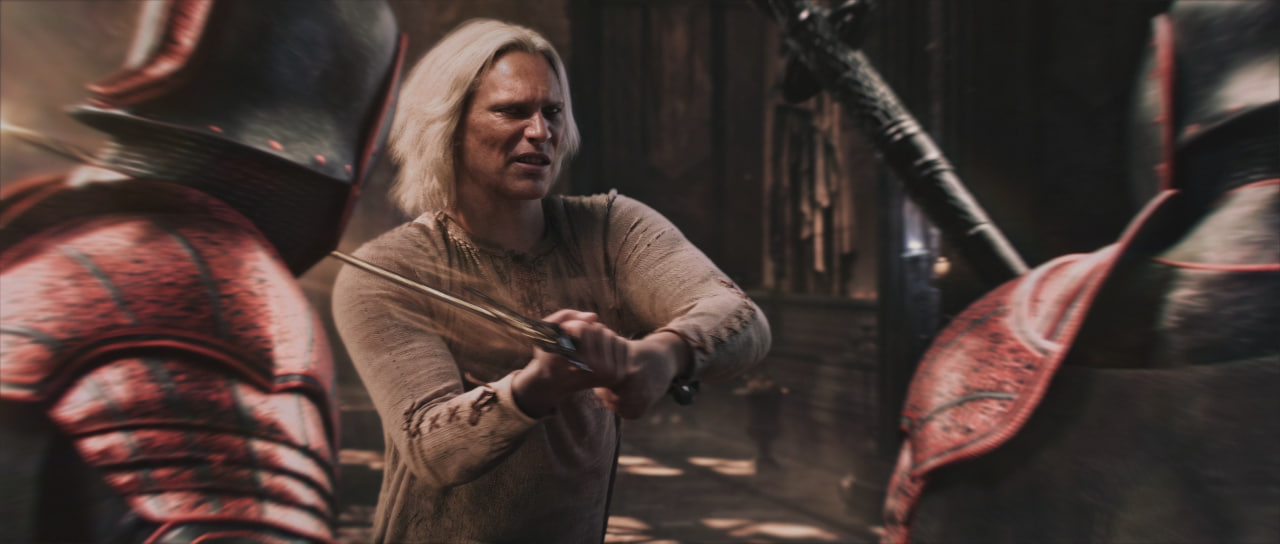
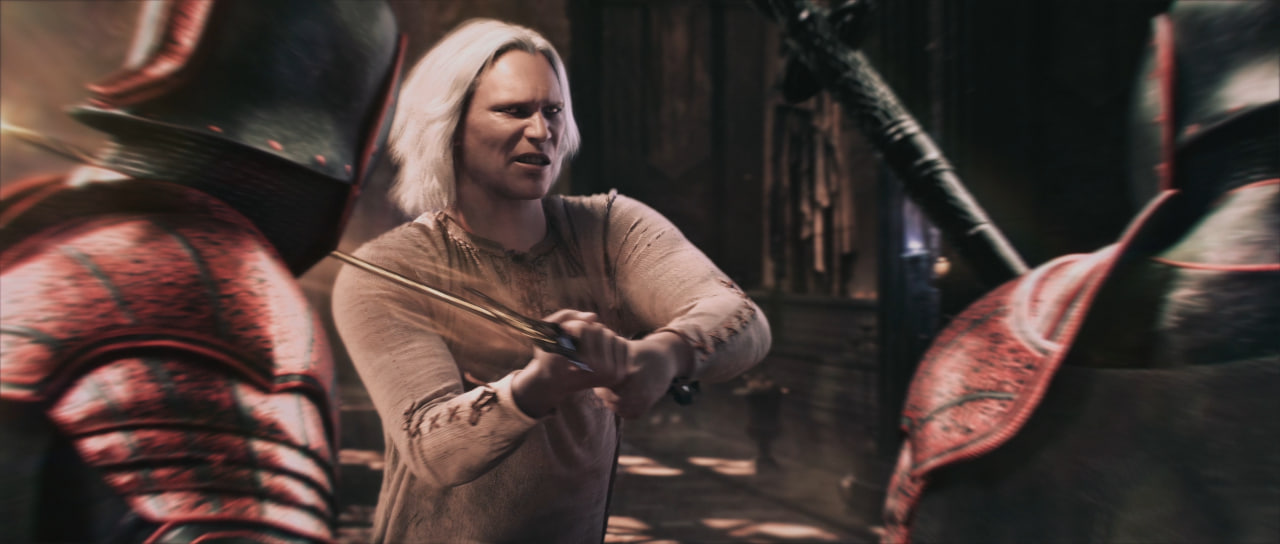 BEFOREAFTER
FROM DOWNLOAD TO YOUR COMP
One more pass.
A small step in your workflow.
A closer look at every detail.
- 01
Unpack everything.
Extract the entire ZIP. Save your project and close After Effects.
- 02
Run the installer.
Open
Install.cmdand approve the Windows administrator prompt. The installer finds registered After Effects versions automatically. - 03
Make your finishing pass.
Open AE, then go to Effect → Neural Enhancement → Enhance Pass.
Requirements & compatibility +
Windows x64, an NVIDIA GPU with D3D12, and Microsoft Visual C++ v14 x64 Redistributable (included in the ZIP). Includes the loading compatibility fix for After Effects 2024. Local checks with AE 2024 libraries and RTX 3080 Laptop (8 GB) passed; validation inside AE on other machines is still in progress. Other configurations are not yet verified. macOS is not supported in this release.
For another AE installation folder, follow the included README_RU.txt instructions.
About this build +
Version 0.5, build 4 Native · CRT-FIX update with automatic installation. Input and output remain the same size. The ZIP includes the plugin, runtime, automatic installer, VC++ prerequisites, licenses and verification tools.
Use SDR footage; HDR, negative RGB and invalid transparency remain limitations of this build. Temporal flicker can still occur. Warmup 32 is slower, but may be more stable than the default 4. Check your shot in motion before the final render.
SHA-256 CHECKSUM ↗